How to Relearn TPMS Sensors After a Wheel Swap
After a wheel swap, relearn TPMS sensors with the vehicle’s required method, such as automatic drive relearn, stationary relearn, or OBD-II relearn, and follow the sequence in the owner’s manual. Skip the correct method, and the tire-pressure light can stay on, readings can stay wrong, and you may miss a low-pressure tire. This guide helps you pick the right method by vehicle family and then trace the failure point if the light will not clear.
Does your vehicle use direct or indirect TPMS?
Check this first. Direct TPMS uses a battery-powered radio transmitter inside each wheel to measure tire pressure, often mounted at the valve stem, and the sealed battery is commonly replaced with the sensor assembly. Indirect TPMS does not use in-wheel pressure sensors, so a wheel swap may need reset steps instead of sensor relearn.
Direct TPMS sensor basics
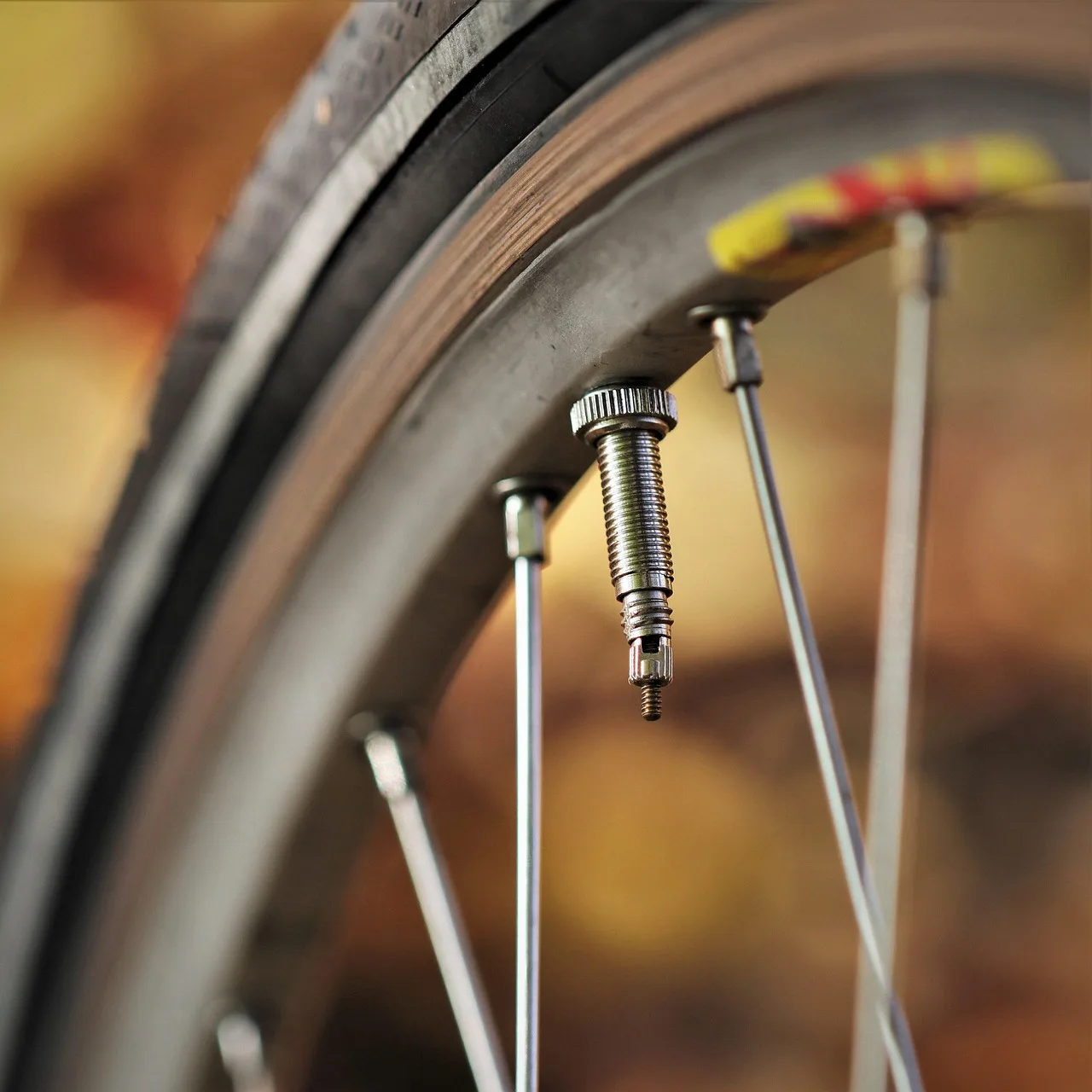
Direct sensors send each tire’s pressure to the vehicle computer. When the battery dies, the battery is sealed inside the sensor, so the usual repair is sensor replacement, not battery replacement. Sensor frequency and protocol must match the vehicle; a sensor can fit physically and still fail to pair.
Indirect TPMS systems
Indirect systems infer tire pressure from wheel-speed data and ABS logic. In those vehicles, a wheel swap may call for a reset or calibration, not a sensor relearn. Check the owner’s manual before buying a relearn tool, because some vehicles do not have relearnable direct sensors at all.
What you’ll need
- Owner’s manual or vehicle-specific TPMS procedure
- Reliable tire-pressure gauge
- Air source for correcting tire pressure
- Direct TPMS sensor-equipped wheels, if your vehicle uses direct TPMS
- TPMS relearn tool, if your vehicle requires one
- OBD scan tool or cable for vehicles that need OBD relearn
- Jack and lug tools, if you still need to swap wheels
Do you need a TPMS relearn tool?
Sometimes no. Some vehicles relearn automatically after a drive, and some use a manual button sequence on the dash. Other vehicles need a dedicated TPMS relearn tool or a shop scan tool. The deciding factor is the vehicle’s procedure, not the wheel itself, so verify direct TPMS and the exact model-year method first.
Manual relearn
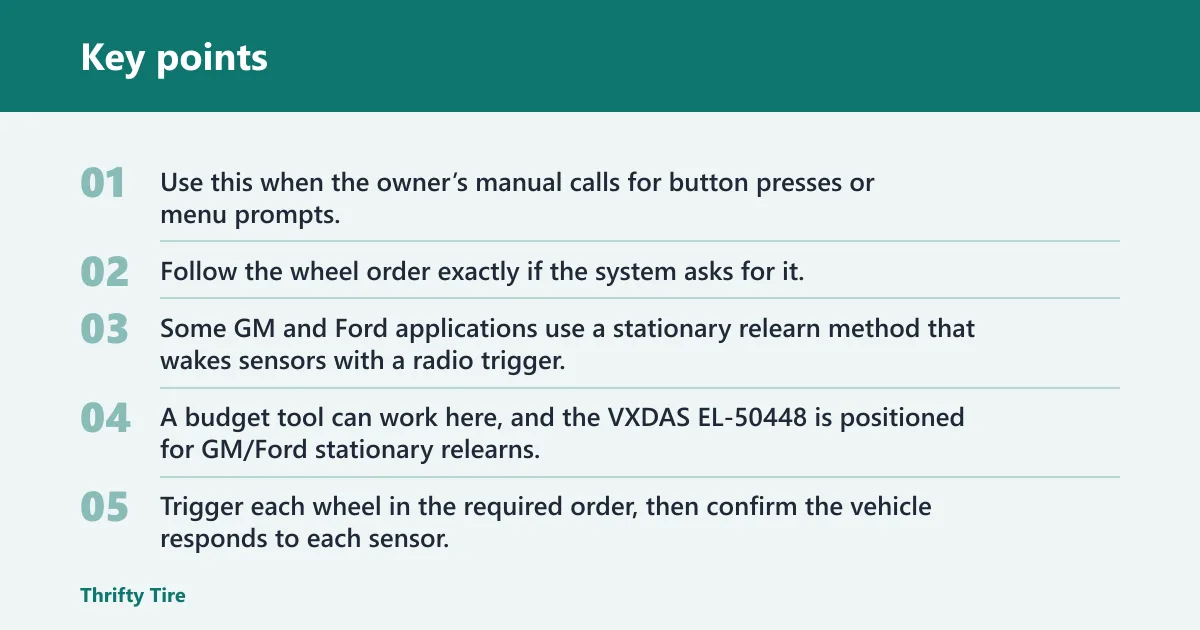
Use this when the owner’s manual calls for button presses or menu prompts. Follow the wheel order exactly if the system asks for it. A wrong order can stop confirmation, and some systems will not accept the new IDs until all four corners are entered in sequence.
Stationary trigger-tool relearn
Some GM and Ford applications use a stationary relearn method that wakes sensors with a radio trigger. A budget tool can work here, and the VXDAS EL-50448 is positioned for GM/Ford stationary relearns. Trigger each wheel in the required order, then confirm the vehicle responds to each sensor.
OBD relearn
Some Toyota, Honda, and Nissan applications use OBD relearn, which writes the new sensor IDs to the vehicle through the diagnostic connection. A simple trigger tool may be a paperweight for Toyota if the vehicle needs OBD programming. In those cases, use a scan tool or cable that supports the relearn path.
The safest order is: confirm the system type, set tire pressure, start relearn mode, trigger or register each wheel in the required order, and road-test the vehicle. Some systems follow front-left, front-right, rear-right, rear-left, but that order is not universal. If the vehicle auto-learns, the road test is the confirmation step.
Verify the TPMS type. Check whether the car has direct sensors or indirect TPMS before you touch a tool. This tells you if you need a relearn, a reset, or no sensor work at all.
Set all tire pressures. Inflate each tire to the door-jamb placard pressure, then recheck with a gauge. Uneven pressures can confuse some systems and make the next step harder to confirm.
Start relearn mode. Use the dash menu, ignition sequence, or scan tool command listed for your model. If the vehicle requires OBD relearn, connect the scan tool before you trigger any sensors.
Trigger each wheel. Hold the relearn tool at the valve stem and activate the sensor in the exact order the vehicle expects. On systems that use a trigger tool, the car should respond to each wheel one by one.
Confirm the final response. Watch for the horn chirp, dash message, or successful ID registration shown by the vehicle. If one corner does not confirm, stop and check that wheel before moving on.
Drive and recheck. Take a short road test and verify that the warning light clears. If the light stays on, go back to the step that failed instead of restarting blindly.
TPMS relearn decision table
| Vehicle family | Relearn type | Tool needed | Expected confirmation cue | Common failure mode | Next diagnostic step |
|---|---|---|---|---|---|
| Many GM models | Stationary relearn | Trigger tool | Horn chirp or dash acknowledgement at each wheel | Wrong wheel order or skipped wheel | Restart and follow the model-year wheel order exactly |
| Many Ford models | Stationary relearn | Trigger tool | Horn chirp or message after each sensor wakes | Tool does not wake one sensor | Check sensor frequency and battery status on that wheel |
| Many Toyota models | OBD relearn | Scan tool or cable | IDs write to the vehicle through the diagnostic port | Trigger-only tool used instead of OBD programming | Use an OBD-capable tool and repeat the registration |
| Many Honda models | Model-dependent; some direct, some indirect | Manual reset, OBD, or none | System accepts the reset or registration command | Trying a direct-sensor relearn on an indirect system | Confirm whether the car has direct sensors before proceeding |
| Many Nissan models | OBD relearn | Scan tool or cable | Vehicle stores new IDs | Wrong sensor protocol or wrong ID set | Confirm sensor compatibility and re-register the correct IDs |
Why won’t the TPMS light go out?
Start with the wheel that failed to confirm, because one nonresponsive corner is the most direct clue. Then check protocol compatibility and relearn mode. If the relearn finishes but the light stays on, the vehicle may have accepted some IDs and rejected another wheel, or it may need a drive cycle to finish.
No confirmation from one wheel
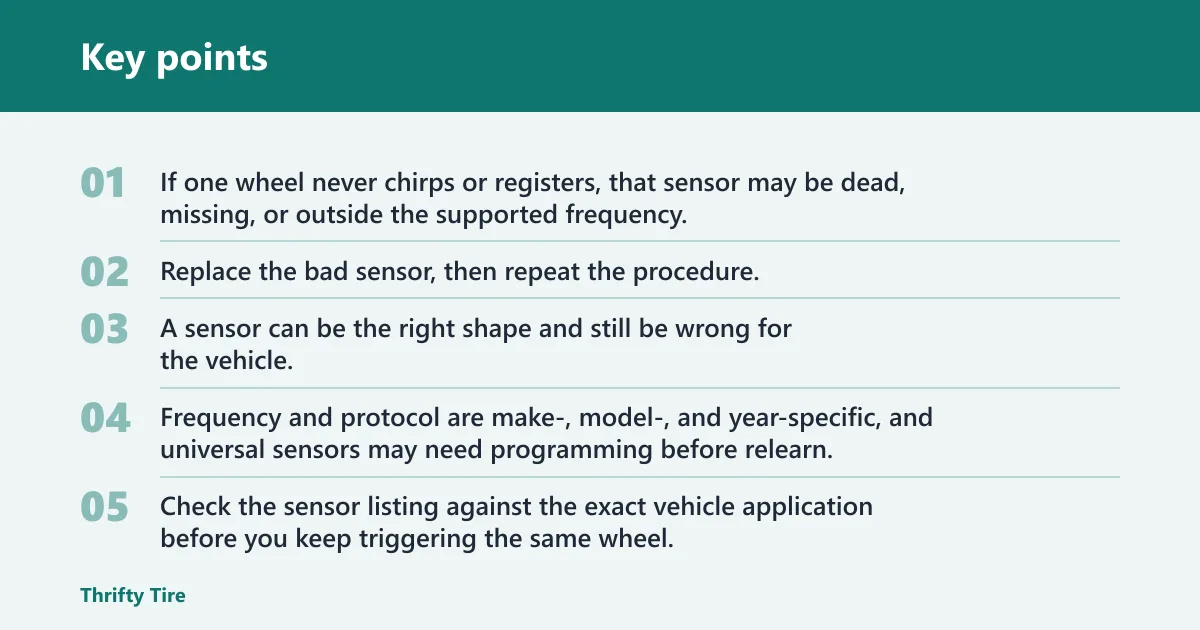
If one wheel never chirps or registers, that sensor may be dead, missing, or outside the supported frequency. Some TPMS sensor batteries typically last 5-10 years, so an old sensor can fail during relearn even if the wheel looks fine. Replace the bad sensor, then repeat the procedure.
Wrong sensor frequency or protocol
A sensor can be the right shape and still be wrong for the vehicle. Frequency and protocol are make-, model-, and year-specific, and universal sensors may need programming before relearn. Check the sensor listing against the exact vehicle application before you keep triggering the same wheel.
Relearn completes but the light stays
If the vehicle accepted the IDs but the light remains on, run the exact verification drive described in the owner’s manual. Some vehicles relearn automatically by driving at a certain speed for a few minutes. If the light does not clear after that, recheck tire pressures and sensor registration.
Common mistakes
- Buying a trigger-only tool before confirming that the vehicle uses direct TPMS.
- Using the wrong wheel order on a system that expects a specific sequence.
- Assuming every wheel swap needs the same method on every make and year.
- Trying to relearn a sensor with the wrong frequency or protocol.
- Skipping the road test after the vehicle accepts the new IDs.
- Replacing a sensor battery separately, when the battery is sealed inside the sensor.
Say your Toyota needs OBD registration after a seasonal wheel set swap. A cheap trigger tool may wake the sensors, but it will not write the IDs to the car, so the warning light stays on until you use a scan tool or cable that supports OBD relearn.
Suppose a Ford truck accepts three corners during a stationary relearn and one rear wheel never responds. That points to the failed sensor or the wrong protocol, not the whole system. Replace or reprogram that one sensor, then repeat the relearn from the start.
If that did not work, try the next more invasive fix: verify the sensor part number, then compare the frequency and protocol against the vehicle’s exact model year. If those match and the wheel still will not register, replace that sensor before repeating the relearn.
Prevention: label your second wheel set by position and keep the sensor part numbers with it. That makes seasonal swaps faster and cuts down on wrong-order relearns later.
Frequently asked questions
How do I relearn TPMS sensors after a wheel swap?
Use the method the vehicle calls for: manual reset, stationary trigger relearn, automatic drive relearn, or OBD registration. Match the exact wheel order if the vehicle requires one, confirm tire pressure first, then road-test the car and verify the warning light clears.
Do I need a TPMS relearn tool or can I do it manually?
Some vehicles allow a manual relearn from the dash or by driving; others need a tool or scan device. Check the owner’s manual first. If the model requires OBD registration, a trigger-only tool will not finish the job.
How does a TPMS relearn tool work?
A relearn tool wakes the sensor so the vehicle can read or store its ID. On stationary systems, it triggers each wheel in order. On OBD systems, the tool may work with a scan tool or cable to write the IDs to the car.
What is the correct TPMS wheel order for relearn?
Many vehicles use front-left, front-right, rear-right, rear-left, but that is not universal. Use the owner’s manual or the relearn screen for the exact order. A wrong sequence can stop confirmation even when every sensor is working.
Why won’t my TPMS sensor relearn after swapping wheels?
The usual causes are wrong relearn type, wrong wheel order, dead sensor battery, or mismatched frequency or protocol. Start with the wheel that failed to confirm, then verify the exact model-year procedure before replacing more parts.
What is the difference between relearn and programming TPMS sensors?
Relearn matches the sensor IDs to the vehicle’s wheel positions or stores those IDs in the car. Programming changes the sensor itself, such as setting its protocol or ID. Some vehicles need both, especially when universal sensors are installed.